



Working from home has become increasingly common, making it more important than ever to create a home office environment that supports productivity and well-being. Whether you have a dedicated room or a small corner, the way you set up your workspace can significantly impact your focus and motivation. In this post, we’ll share practical tips to help you design a home office that encourages productivity, comfort, and balance.
Choose the Right Location
Find a Quiet, Comfortable Space
Select a spot in your home that minimises distractions. Ideally, choose a quiet room with a door, so you can separate work from household activities. If space is limited, use room dividers or screens to create a defined workspace.
Consider Natural Light
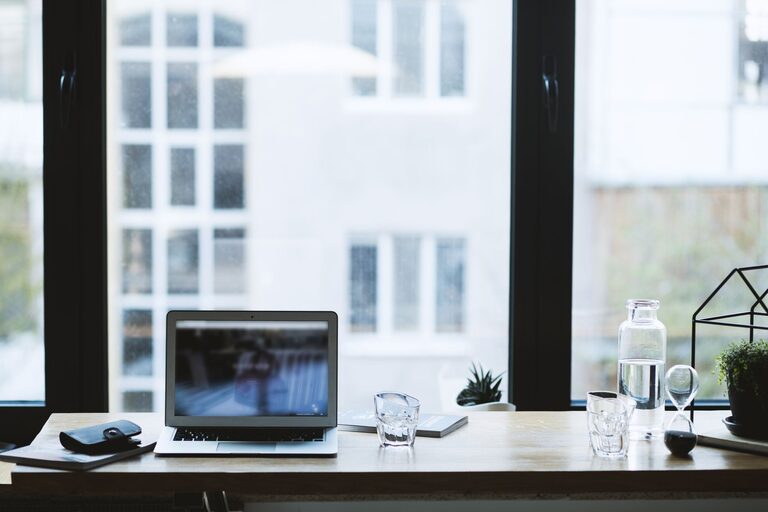
Good lighting is crucial. Position your desk near a window to benefit from natural daylight, which can enhance mood and reduce eye strain. If natural light is limited, invest in quality task lighting that mimics daylight.
Invest in Ergonomic Furniture
Choose a Supportive Chair
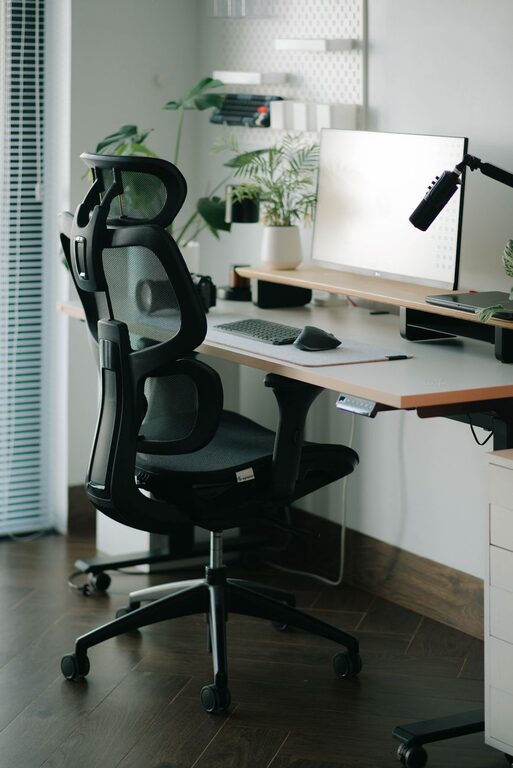
A comfortable chair with proper lumbar support helps maintain good posture during long work hours. Adjustable chairs allow you to modify the height, backrest, and armrests to suit your body.
Use an Appropriate Desk
Select a desk at a suitable height that allows your forearms to rest comfortably parallel to the floor. If possible, consider a sit-stand desk to change positions throughout the day.
Organise Your Workspace
Declutter Regularly
A tidy desk helps clear your mind and reduces distractions. Keep only essential items within reach and store paperwork, cables, and gadgets in organised containers or drawers.
Utilise Storage Solutions
Use shelves, filing cabinets, or storage boxes to keep items organised. Label folders and containers to find what you need quickly, which saves time and reduces frustration.
Minimise Distractions
Set Boundaries with Family or Housemates
Establish clear working hours and communicate them to those you live with. Using signs or signals can help let others know when you should not be disturbed.
Limit Digital Interruptions
Turn off non-essential notifications on your computer and smartphone. Use apps that block distracting websites during work periods to maintain focus.
Optimise Technology and Equipment
Ensure Reliable Internet Access
A stable internet connection is vital for smooth online meetings and access to resources. Consider upgrading your plan or using an Ethernet cable instead of Wi-Fi if possible.
Use Quality Accessories
Invest in a good keyboard, mouse, and headphones to improve comfort and efficiency. Noise-cancelling headphones can be especially helpful if your home is noisy.
Create a Pleasant Atmosphere
Personalise Mindfully
Add a few personal touches such as plants, artwork, or photos to make your workspace inviting, but avoid overcrowding it. A visually appealing environment can enhance positivity and creativity.
Maintain Comfortable Temperature and Air Quality
Ensure your workspace is well ventilated and at a comfortable temperature. Consider using a fan, heater, or air purifier as needed to maintain a healthy atmosphere.
Plan Breaks and Movement
Follow the 20-20-20 Rule
To prevent eye strain, every 20 minutes look at something 20 feet away for at least 20 seconds. This helps rest your eyes and maintain focus.
Schedule Regular Breaks
Taking short breaks to stretch, walk, or relax refreshes your body and mind. Standing or moving around every hour can reduce fatigue and boost productivity.
Establish a Routine
Set Clear Work Hours
Define your working schedule and stick to it as much as possible. Having a routine helps create a work-life balance and signals to your brain when it’s time to focus.
Plan Daily Tasks
Use to-do lists or digital planners to organise your workload. Prioritise tasks by importance or deadlines, helping you stay on track throughout the day.
Final Thoughts
Designing a productive home office environment is about combining comfort, organisation, and focus. By choosing the right space, investing in ergonomic furniture, and minimising distractions, you can create a workspace that supports both your efficiency and well-being. Remember, small adjustments can make a big difference, so start with a few tips and adjust your setup as you find what works best for you. Happy working!